Attribution
Part of Gaming campaign attribution
Checking attribution windows in gaming ad reports
Check interaction and post-install windows, setting changes and reporting dates before comparing attributed gaming outcomes.
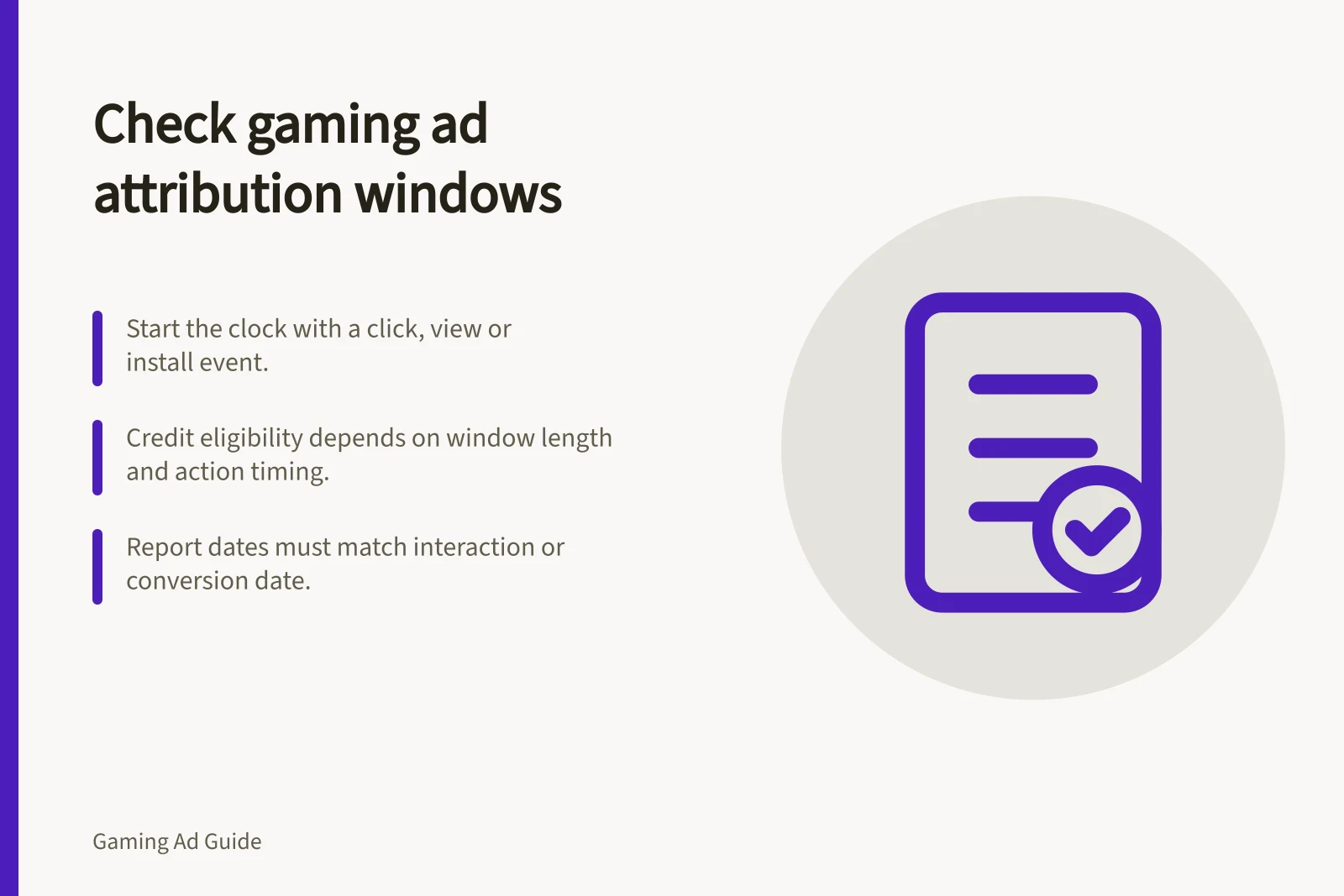
To check an attribution window, identify what starts it, which action it can credit and how long the action remains eligible. Do this for each conversion action and interaction type before comparing gaming ad reports. A total can change when a credit rule changes even if customer behaviour does not.
Record the whole rule
For each reported action, record the click-through, engaged-view and view-through routes that apply, their windows, the counting option and when the settings took effect. Mark an interaction type unavailable when the product does not use it. Do not infer a missing setting or a specific account’s effective setting from general documentation or another seller’s defaults; inspect the conversion action and report being used.
Question / What to establish
- What starts the clock?
- The qualifying click, video engagement, view or install.
- What ends it?
- The exact install or later in-app action.
- What is counted?
- One or every qualifying action, where that option applies.
- When did settings change?
- The effective date and affected actions.
- Which date is reported?
- Ad-interaction date or conversion-event date.
For example, an install four days after a click falls outside a three-day click window and inside a seven-day window if all other conditions are met. The difference concerns credit eligibility; it is not proof that either window better measures the ad’s effect.
Align settings and dates
Save the conversion-action settings for the period under review. Record when settings changed and label the change rather than treating a trend across it as one unchanged measure.
Establish the report’s date basis and time zone. Confirm whether attributed conversions are reported by interaction date or conversion date; an app event record may use the event date. Recent interaction-date figures can rise as later conversions arrive, so allow enough time for the outcome being compared.
Finally, compare the same app, platform, event definition, attributed population and counting option. A click-only total is not equivalent to a combined click-and-view total. If a report cannot separate a material route, keep the comparison qualified.
Timeline of Attribution Window Changes
- Setting Change Date
- Record effective date of any modification to attribution settings
- Report Period
- Align with specific campaign or reporting period under review
- Reporting Date Basis
- Confirm whether using interaction date or conversion event date
Decide whether to use the figure
Use a figure when its event, window, date basis and coverage are clear enough for the decision. Explain known differences across sellers. Hold a direct comparison when a material rule is unknown. Where a common window is essential, seek a supported re-report or permitted event-level analysis; relabelling existing totals cannot make their eligibility rules identical.
Steps to Verify Attribution Accuracy in Gaming Ads
- Confirm event definition matches across reportsEnsure app events are consistently defined (e.g., 'first purchase' vs 'install')
- Confirm counting optionDetermine if one or multiple conversions are counted per user
- Align date basis and time zoneUse consistent date reporting (interaction vs conversion) and AEST where relevant
- Avoid comparisons across unknown rulesHold direct comparison when material attribution rules are unclear