Attribution
Part of Gaming campaign attribution
Investigating a sudden spike in low-quality conversions
Trace a gaming conversion spike through event definitions, app behaviour, campaign changes and traffic evidence before deciding what to pause or repair.
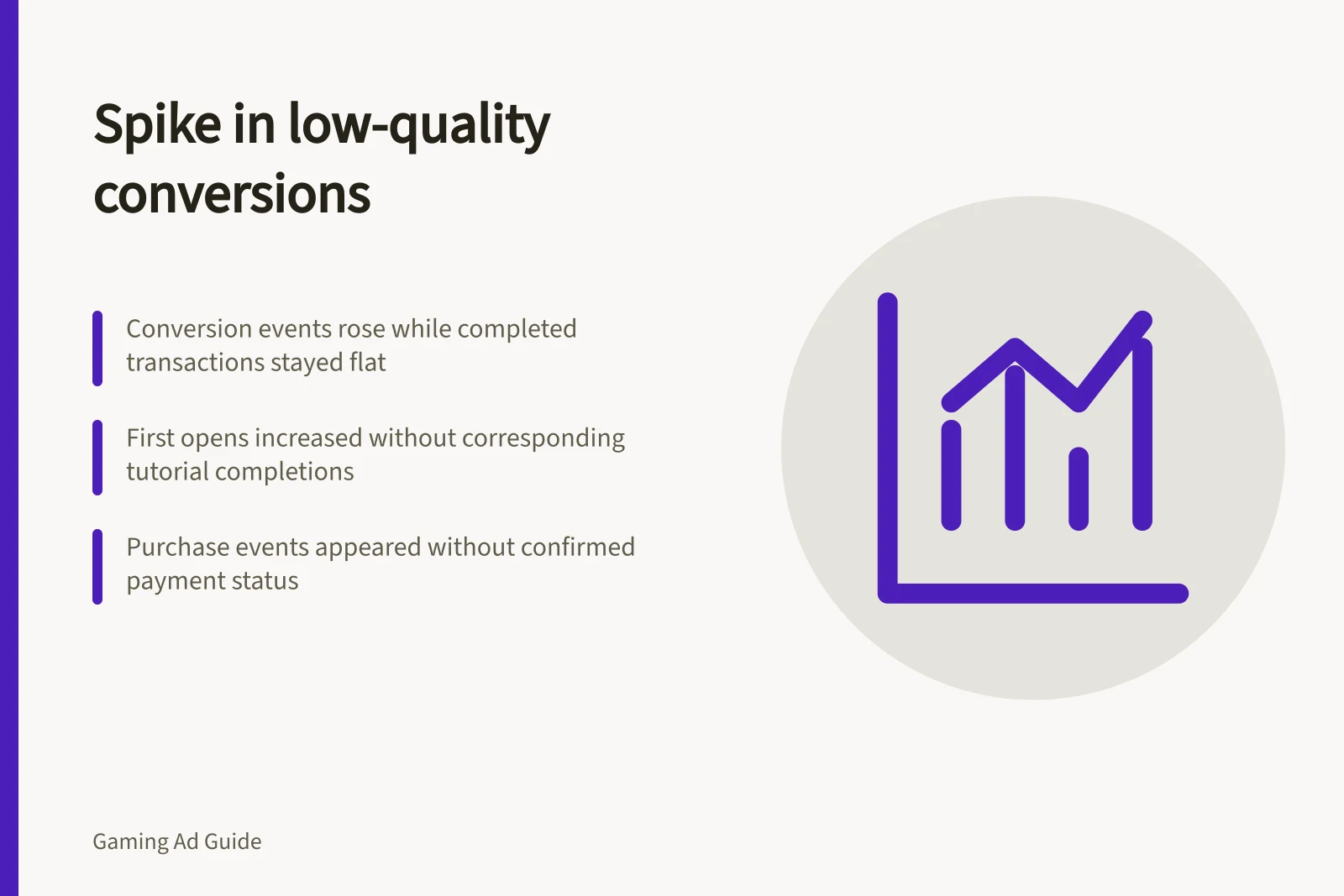
Reported conversions can rise while useful actions stay flat. Preserve the figures and definitions behind the spike, then locate where the change begins.
Define and preserve the change
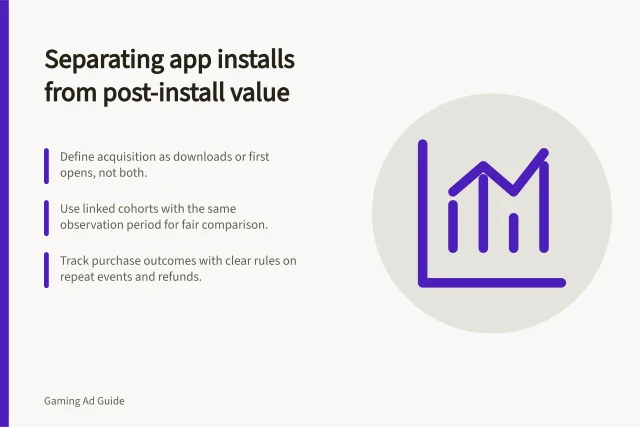
Name the conversion that rose and the later action that appears weak. Compare like periods and allow the same time for users to reach that later action. A rise in first opens with few completed tutorials differs from a rise in purchase events absent from completed transaction records.
Keep the original export, its time, conversion-action settings, campaign settings and app release dates. Later conversions or invalid-traffic filtering can revise figures. Preserve the first view alongside later exports so the change can be traced.
Find the first divergent stage
Trace ad interactions, attributed acquisitions, first opens, a verified in-app action and completed transactions where relevant. Compare each stage using the same definitions.
Break out campaign, seller or deal, available placement, device, operating system, creative and Australian eligibility rule. A change isolated to one segment is easier to examine than a pooled total.
Pattern / First checks
- Interactions rise but app use does not
- Placement or destination changes, accidental interactions and acquisition tracking
- First opens rise but useful actions do not
- Audience mix, onboarding, app version and event collection
- Purchase events rise without completed transactions
- Event trigger, duplicate logging and payment status
- Network conversions rise but app events stay flat
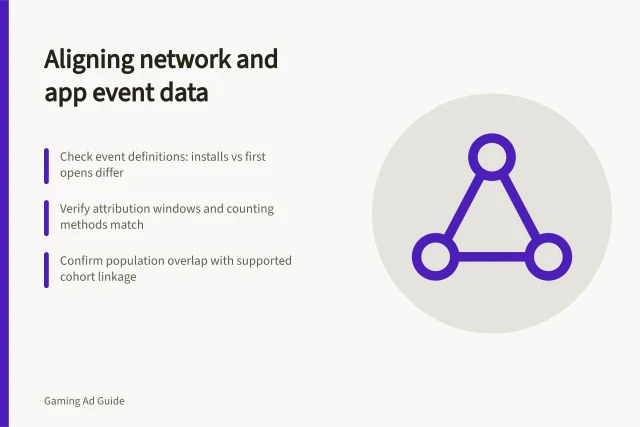
- Import mapping, counting, windows and reporting dates
Check measurement, then traffic
Have the app team verify the relevant user path and event sequence in a development environment. For a Firebase implementation, DebugView can show development-device events near real time and help identify logging errors. Check for a release, event-name, tag or import change near the spike. A live campaign still needs its own evidence; no diagnostic tool alone establishes what caused the reported change.
Review campaign changes in audience, geography, bids, creative, placements and budget. Inspect the destination and the point where a player can tap.
If concern remains, preserve the dates, affected campaigns, available placement detail and the evidence for the concern. Ask the relevant seller to investigate under its process, rather than labelling users or placements as fraudulent on weak downstream behaviour alone.
Key Diagnostic Tools and Sources
- Firebase DebugView
- Real-time event verification for development devices
- Google Ads Conversion Tracking
- Check for event triggers and duplicate logging
- Analytics Event Collection
- Review event naming and tagging consistency
- Campaign Settings Audit
- Inspect audience, bids, creative and placement changes
Make a reversible decision
Pause or narrow an affected segment if continued spend would compound a material unresolved problem. Keep separately measured, credible segments in view. Repair a confirmed event fault, destination issue or campaign setting, then label the new period. If evidence is still thin, report both the conversion spike and the unresolved quality gap without presenting the extra conversions as useful outcomes.