In-Game Formats
Part of Rewarded advertising campaigns
Understanding the player action that triggers an ad
The action that starts a rewarded ad is part of the campaign experience.
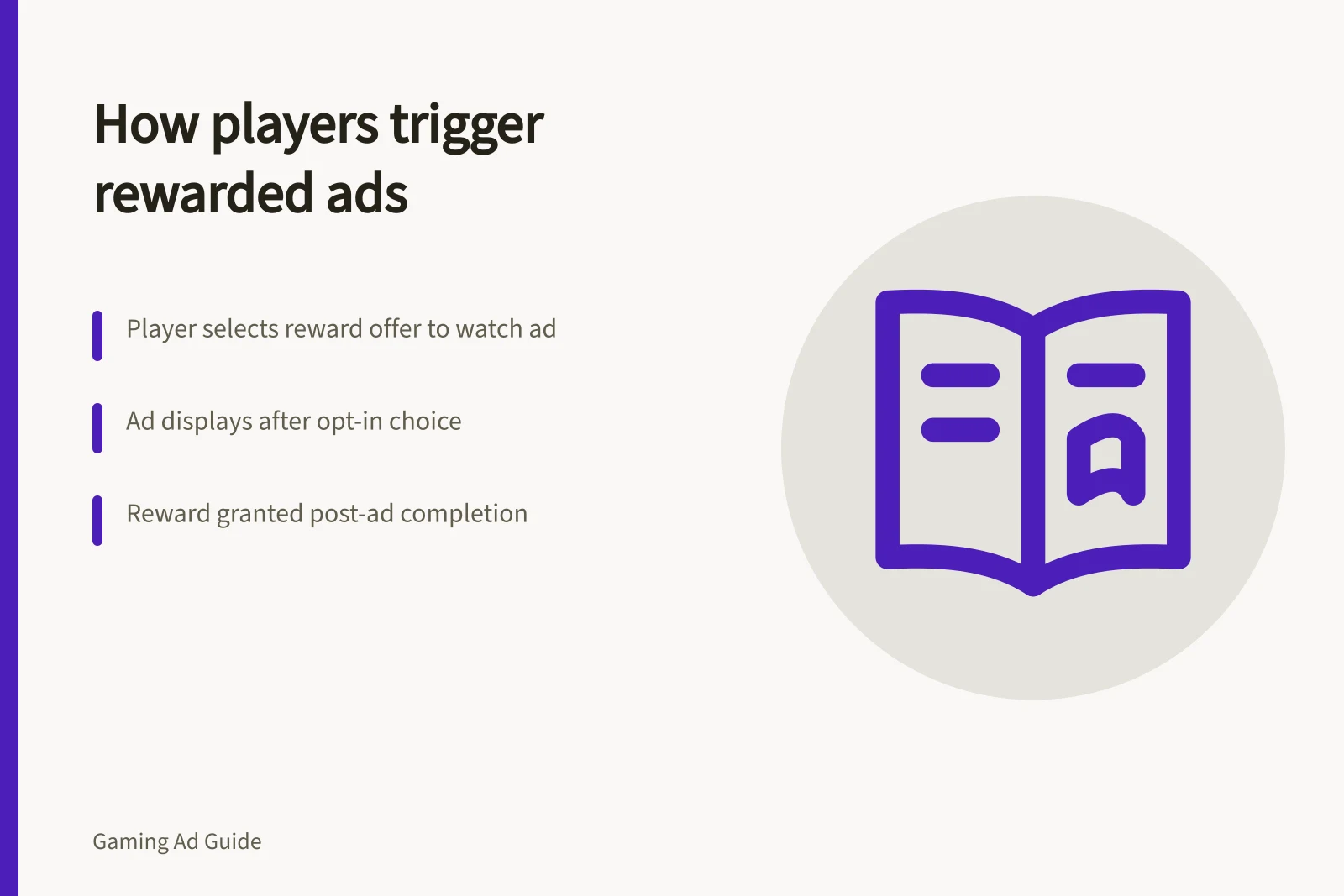
The opt-in action is the player's choice to watch or interact with a rewarded ad in exchange for an in-game benefit. The player selects the game's reward offer; that choice triggers the ad, while the reward is granted later.
A rewarded interstitial may use a different introduction and opt-out design from a standard rewarded unit. Confirm the flow in the inventory you are booking.
Follow one session from choice to reward
Follow the sequence: the game presents the reward offer, the player chooses to watch or interact, the ad is displayed, and the game grants the reward. Check the prompt, advertised reward, ad, skip or close controls, and the point at which the reward is granted.
Google AdMob's Google Mobile Ads SDK (Legacy) describes rewarded ads that offer in-app items for interacting with video ads, playable ads and surveys. Its Android documentation covers loading a RewardedAd, but does not name a universal prompt label or describe a standard opt-in screen.
The Google Mobile Ads SDK (Legacy) documents RewardedAd.load and callbacks including onAdFailedToLoad, onAdDismissedFullScreenContent and onAdFailedToShowFullScreenContent. These cover loading and display outcomes; they do not identify the player's opt-in control.
Google says the Mobile Ads SDK (Legacy) is in maintenance mode and points to GMA Next-Gen SDK for the latest updates and features. AdMob Mediation lists ad sources including AppLovin, ironSource Ads, Meta Audience Network and Unity Ads; those names alone do not establish what the player selects in a particular game.
An ad impression is not the same as a completed reward event, and neither automatically equals attention to the brand.
Player Journey from Reward Offer to Reward Grant
- Game presents reward offerPlayer sees option to watch ad for in-game benefit (e.g., extra lives, currency)
- Player opts in to watch or interactPlayer selects the rewarded ad trigger; action initiates ad load
- Ad is displayedRewarded interstitial, video, playable ad or survey appears with skip/close controls
- Reward is granted after completionGame delivers reward only after ad is fully watched or interaction completed
Check failure paths
Check what happens if the ad fails to load, the player closes it early or the app loses connection. The player should not be told they earned a reward that the game does not grant.
Ask how duplicate reward callbacks are prevented and how complaints are handled. This is primarily a publisher implementation question, but the answer affects campaign quality.
Keep offer shown, opt-in, ad started, reward earned and click as separate reporting stages; a high opt-in rate may reflect a valuable game reward rather than unusual brand interest.
Key Implementation Checks for Rewarded Ads
- Ad fails to load – does the game handle gracefully?Yes, if fallback logic prevents false reward claims
- Player closes ad early – is reward still granted?No, reward should only be granted after full engagement
- Connection lost during ad – how is state managed?Session must be preserved or reset to avoid duplicate rewards
- Duplicate reward callbacks prevented?Yes, via server-side validation and unique event tracking
- Reporting stages tracked separately?Offer shown, opt-in, ad started, reward earned, click – all distinct
Rewarded Ad Performance Indicators
- Opt-in rate
- High rate may reflect strong in-game reward value, not brand interest
- Reward completion rate
- Measures actual ad engagement vs. skipped ads
- Ad impression vs. reward event
- Not equivalent – impression ≠ attention or reward
- SDK status
- Google Mobile Ads SDK (Legacy) in maintenance mode; use GMA Next-Gen SDK