Attribution
Part of Gaming campaign operations
How to monitor placement changes during a campaign
Compare delivered gaming placements with the approved list, investigate differences and document decisions about affected inventory.
Once a campaign is live, compare delivered placements with the dated approved version that applied on those dates. Classify differences as approved changes or unresolved, investigate unresolved rows, then record whether the affected delivery is accepted or rejected. A new name in a report alone does not prove an unauthorised substitution.
Keep a dated baseline
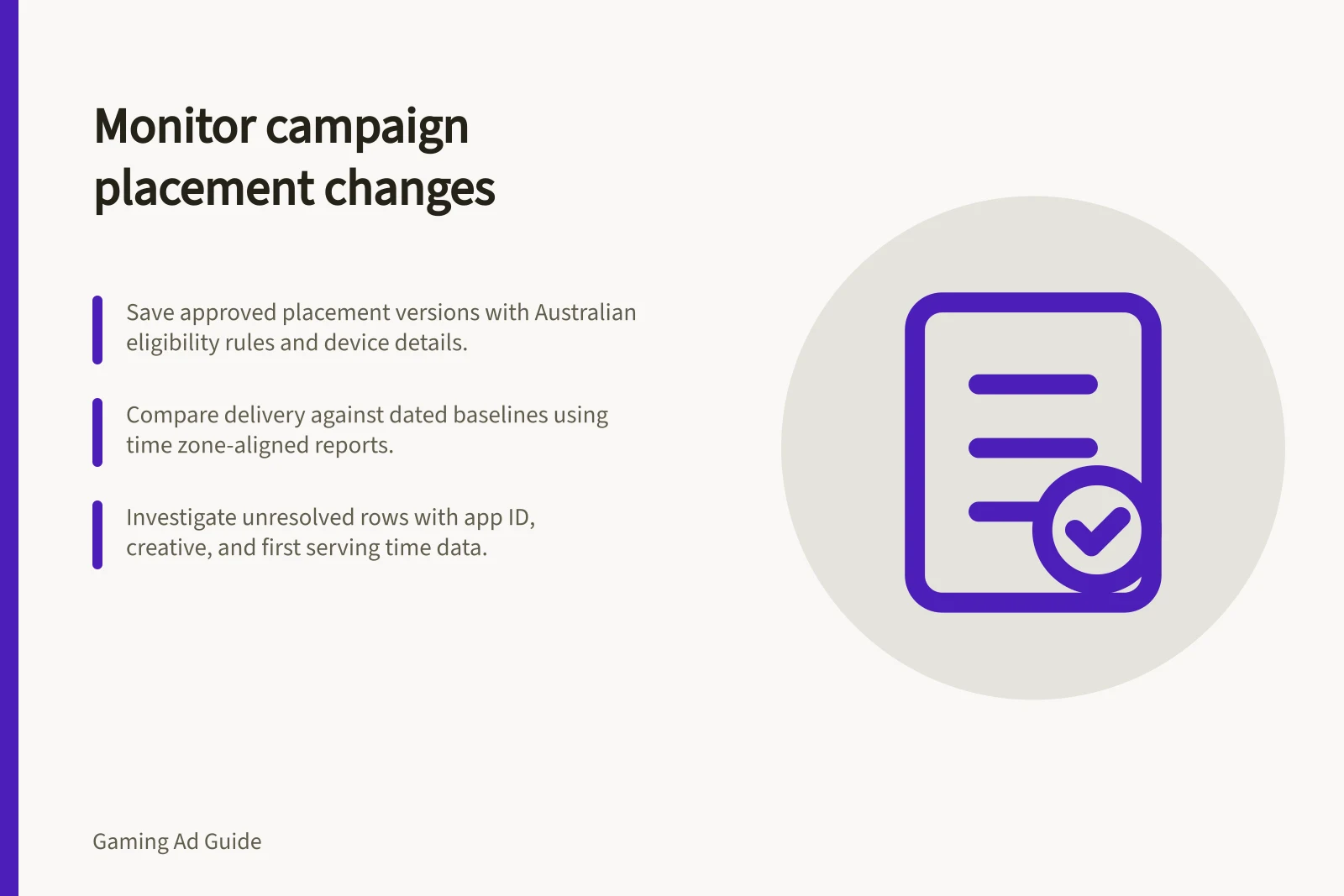
Save each approved version of the placement list with available app or game identifiers, surface, format, device, Australian eligibility rule and allowed creative versions. Include agreed substitutions and who may approve them. The effective date lets the team compare delivery with the right version.
Agree which report fields can identify the booked lines and keep unidentified inventory separate. If the available report cannot identify inventory at the required level, it may be insufficient for a named-game commitment.
Compare and investigate
At each scheduled review during the campaign, classify rows as matched to the approved version, changed with recorded approval, or unresolved. Align dates and time zones first. Check whether a reporting label changed while the underlying identifier stayed the same.
For Google Display & Video 360, consult Event history and Inventory transparency when checking platform-side evidence. For Google Ad Manager delivery differences, consult Troubleshoot Ad Manager line item delivery. Compare relevant platform evidence with the seller’s placement record and delivery report; no single record necessarily establishes every publisher-side change.
For an unresolved row, request the available app or game identifier, deal or line item, placement, device, creative, first serving time and counted impressions. Ask whether the seller changed supply, a game update moved a surface, targeting changed or the report grouped inventory differently. These are possible causes, not findings.
Decide what to do with the affected delivery
If the new placement meets the agreed audience, player experience and reporting conditions, obtain the required approval and record when it takes effect. If it changes a material condition, ask the party controlling delivery to pause or exclude the affected row while the buyer and seller decide whether to accept, replace or reject it. Preserve the original report and any correction.
Show delivery before and after the change separately. A replacement might satisfy a package impression total while missing a named-game or surface obligation. If the context also raises a brand-suitability or age-related concern, follow the campaign’s incident process promptly.
Close the change record only when the placement identity, decision, affected quantity and continuing control are documented. Leave an unidentified row unidentified even if the package total is on target.